

Imagine a customer finds your business on Google.
They check your opening hours.
Google says: “Open until 9:00 PM.”
The customer visits at 8:30 PM.
But your store actually closed at 7:00 PM.
For the customer, this is frustrating.
For the business, it could lead to wasted time and lost opportunity if the customer was misled into visiting at the wrong time.
That is why it is important to keep your Google Business Profile hours updated.
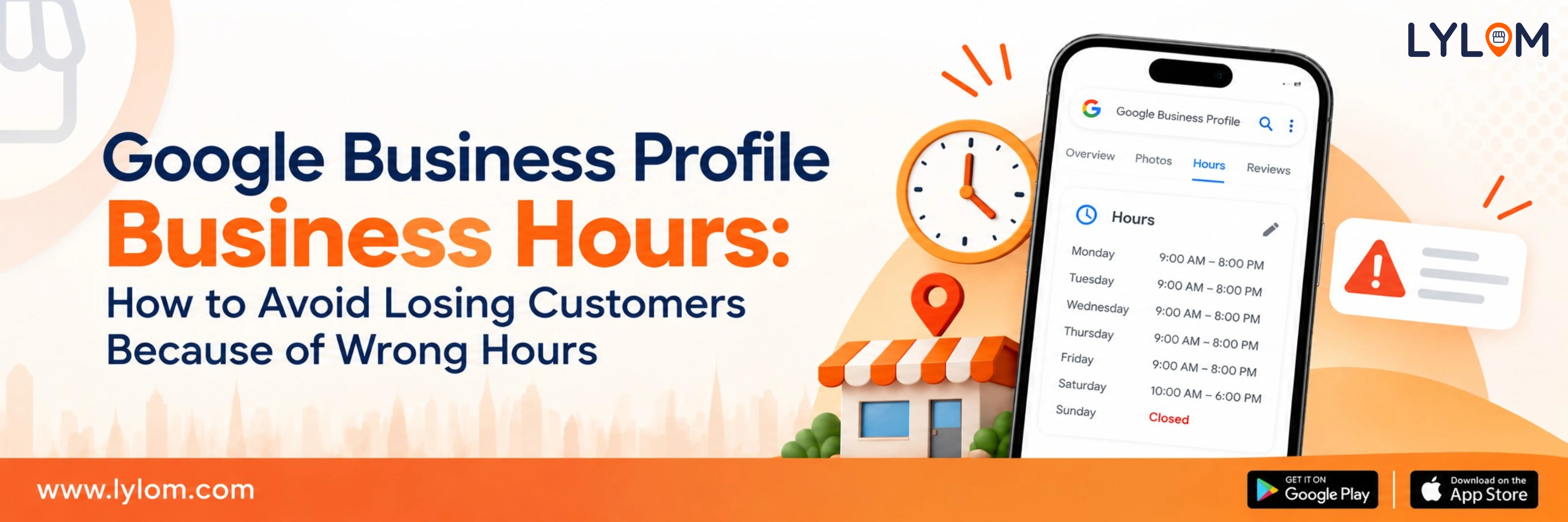
Google Business Profile business hours allow you to set regular hours, special hours and service hours for your business.
Why are Google Business Profile hours important?
Hours help customers know when to visit or contact your business.
Some businesses operate in a 24/7 manner and prefer to keep their hours set to 24/7.
Other businesses operate in limited hours and want to show customers what times they actually work.
Who sets Google Business Profile hours?
Hours are typically set by the business owner or manager.
How to update your hours of operation
- Open your Business Profile.
- Select Edit profile.
- Find Hours.
- Select Edit.
- Add or edit the opening and closing times for each day of the week.
- Add any special hours if applicable.
- Save the changes.
How to set special hours
Special hours are for days when your business has different operating hours.
Example: If your store is closed on Sundays and holidays but open on weekends during peak seasons.
How to set service hours
Service hours apply to specific services offered by your business.
Example: If your salon offers 24-hour services but your clinic has standard hours.
What are some common mistakes when setting business hours?
Mistakes can occur when:
- Hours are not consistent across all channels.
- Hours are not up-to-date.
- Hours are not clearly communicated to customers.
- Hours conflict with the business's operating schedule.
How to avoid losing customers because of wrong hours
- Keep your hours accurate and up-to-date.
- Communicate clearly with customers about any changes.
- Double-check that your hours match the business's current operating schedule.
- Avoid setting hours that conflict with the business's operating schedule.
Final takeaway
Your Google Business Profile hours are an important part of your business's online presence.
By keeping your hours updated, you ensure that customers have the information needed to make informed decisions about visiting or contacting your business.
By keeping your hours updated, you ensure that customers have the information needed to make informed decisions about visiting or contacting your business.